An Esri free MOOC is the fastest legitimate way to learn GIS online without paying for software. These massive open online courses are completely free, and every one includes temporary access to ArcGIS software, hands-on exercises, expert video lessons, and a certificate of completion. If you are a student, a job seeker, or a working professional adding geospatial skills to your resume, a free Esri MOOC gives you real ArcGIS practice you can show employers.
Esri Free MOOC: What’s Included for Free
What is an Esri MOOC?
MOOC stands for massive open online course. Esri runs these free courses several times a year through its official training site. Each course is self-paced and runs four to six weeks, teaching one GIS topic in depth. You get videos by Esri experts, guided hands-on exercises, quizzes, and a discussion forum. Registration happens on the official MOOC hub at esri.com/training/mooc.
Current Esri MOOC schedule
These are the upcoming MOOCs on Esri’s official schedule. Each course is free, but registration windows close — enroll before the deadline.
| Course | Dates | Registration closes |
|---|---|---|
| The Power of Where: Communicating with Maps | Oct 21 – Dec 2, 2026 | Nov 5, 2026 |
| ArcGIS Imagery MOOC: Foundations and Frontiers | Open through Dec 3, 2026 | Nov 5, 2026 |
| Going Places with Spatial Analysis | Opens late January 2027 | Announced on the MOOC page |
| Make an Impact with Modern Geo Apps | Feb 17 – Mar 17, 2027 | Feb 24, 2027 |
What you get with every free Esri MOOC
Esri’s MOOCs are always completely free, and each one includes the same core package: free access to ArcGIS software for the course, hands-on exercises with real data, video lessons by Esri experts, quizzes and discussion forums, and a certificate of completion. Courses are publicly available to anyone with a free ArcGIS account — note that some courses may require a license to complete, so check the course page before enrolling.
How to enroll in an Esri MOOC (5 steps)
- Create a free ArcGIS account on esri.com — no payment needed.
- Open the official MOOC page: esri.com/training/mooc.
- Pick a course and sign in to register before the deadline.
- Start on the course opening date and work through the weekly lessons at your own pace.
- Finish the quizzes and exercises to earn your certificate of completion.
Tip: check the course page for software needs before the start date. The Power of Where course uses ArcGIS Pro 3.7, which needs Microsoft .NET Desktop Runtime 10.x (x64) — install it early if your machine needs an IT administrator.
Why a free Esri MOOC beats a random online course
The software access is the big win. A MOOC enrollment includes the ArcGIS access you need for the exercises, so you practice on the same tools employers list in job postings. For students who can’t afford a license, this is free hands-on ArcGIS time. If you want year-round free ArcGIS instead, see our guide to ArcGIS student license options. And if you use a Mac, pair your course work with free GIS software for Mac.
Esri Free MOOC FAQs
Are Esri MOOCs really free?
Yes. Esri’s MOOCs are always completely free. Each course includes free ArcGIS software access, hands-on exercises, expert videos, quizzes, and a certificate of completion — no payment, no trial tricks.
Do I need to own ArcGIS software to take a MOOC?
No. Every MOOC includes the ArcGIS access you need for its exercises. You do not need to buy or own any Esri software before enrolling.
Do Esri MOOCs give a certificate?
Yes. You earn a certificate of completion when you finish the course’s exercises and quizzes. Employers and universities recognize Esri training certificates.
How long does an Esri MOOC take?
Courses run four to six weeks and are fully self-paced. You work through the weekly lessons on your own schedule within the course window.
What do I need to register for an Esri MOOC?
Just a free ArcGIS account. Sign up on the official MOOC page at esri.com/training/mooc, pick a course, and register before the enrollment deadline.
When do the next Esri MOOCs start?
The Power of Where starts Oct 21, 2026 and the Imagery MOOC runs through Dec 3, 2026. Going Places with Spatial Analysis opens in late January 2027, and Modern Geo Apps runs Feb 17 – Mar 17, 2027. Esri adds new courses every year, so check the MOOC page for the latest schedule.
Related posts: ArcGIS Student License Free · Free GIS Software for Mac
A free Esri MOOC is the simplest way to get real ArcGIS experience on your resume without spending anything. Pick the course that matches your goal, register before the deadline, and finish the exercises — you will walk away with hands-on skills and a certificate to prove it. Register today while enrollment is open.
Disclosure: Some links on this page are affiliate links. If you buy a book through them, CartoGeek may earn a small commission at no extra cost to you. This helps keep our GIS guides free for students. Thank you for your support!
Recommended GIS Learning Books
Learn QGIS: Techniques for Efficient Spatial Analysis (5th Edition)
by Eugenia Sarafova, Ivan Ivanov, Andrew Cutts, Anita Graser
The most current beginner-to-intermediate QGIS book, covering spatial analysis, cartography, field data collection and earth observation workflows with real-world examples. Written with input from Anita Graser, a well-known QGIS community figure, it walks readers from first install to confident analysis.
Pros:
- Up to date with recent QGIS versions
- Hands-on, exercise-driven teaching style
- Covers modern topics like GenAI tools and mobile data collection
Cons:
- Moves fast for absolute beginners with zero GIS background
- Some advanced chapters assume basic statistics knowledge
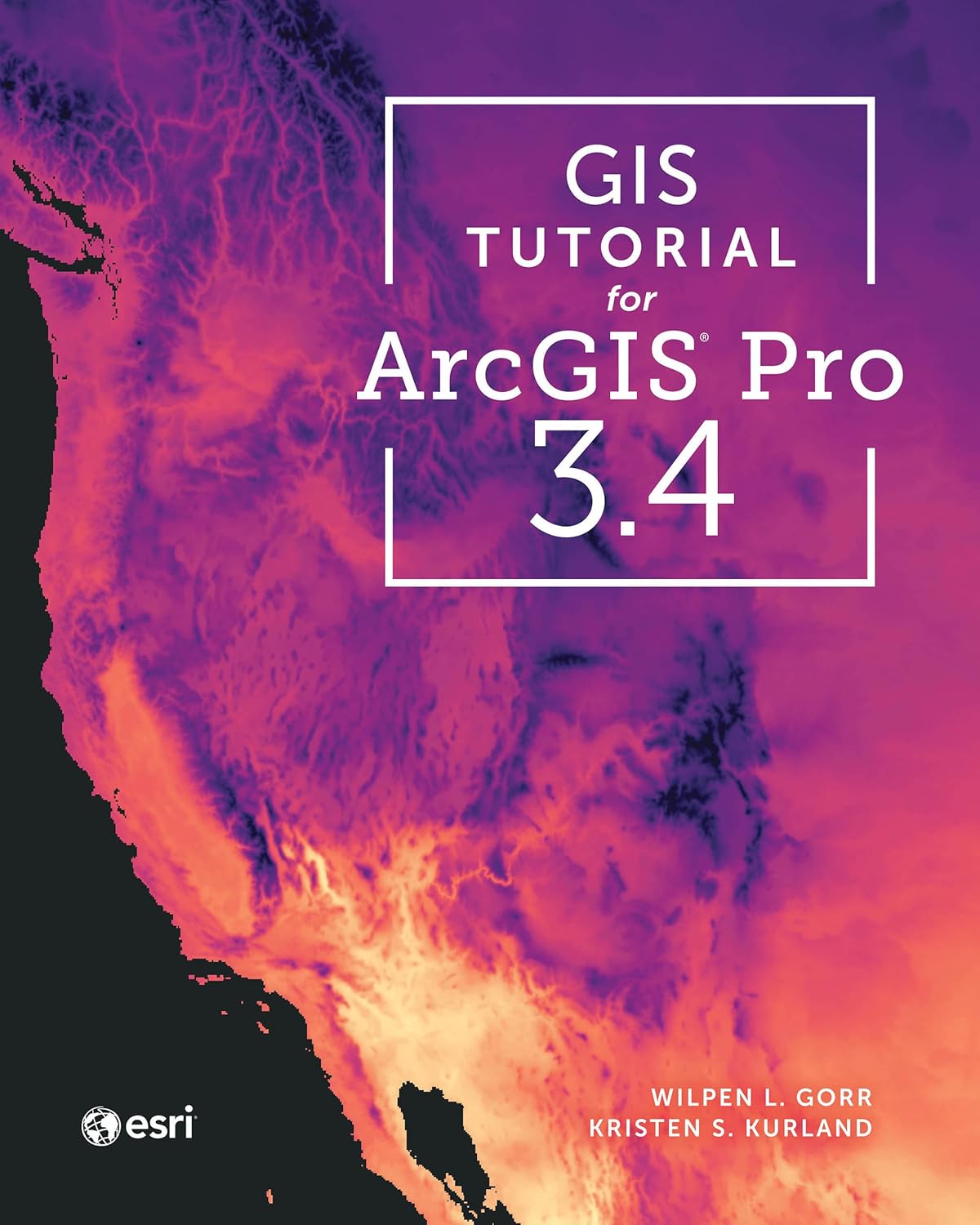
GIS Tutorial for ArcGIS Pro 3.4 (Esri Press)
by Wilpen L. Gorr, Kristen S. Kurland
A classroom-tested ArcGIS Pro workbook by two Carnegie Mellon instructors, with hands-on exercises and homework assignments that build real problem-solving skills. Written for both university courses and self-learners who want a rigorous primer.
Pros:
- Academic rigor — used in real university curricula
- Exercises reinforce each concept
- Instructor resources available for teachers
Cons:
- Denser and more demanding than casual guides
- Best paired with an instructor or study group
Learning Geospatial Analysis with Python (3rd Edition)
by Joel Lawhead
A systematic guide to GIS and remote sensing analysis with Python, covering geodatabases, raster data, PostGIS, QGIS integration and workflow automation. Readers build real analytical skills, from thematic mapping to flood modeling.
Pros:
- Bridges GIS and Python — the highest-demand skill combo
- Practical projects, not just theory
- Covers the open-source stack (GeoPandas-style workflows, PostGIS, QGIS)
Cons:
- Requires basic Python knowledge first
- Some library versions have moved on since publication