Finding free GIS data download sites is the first real hurdle for every GIS student. You install QGIS, open a blank project, and then ask: where do I get actual map data?
This guide lists the 7 best official portals where you can download free GIS data today. Every link below was checked live. Vector boundaries, satellite imagery, elevation data, and street maps are all covered.
7 Best Free GIS Data Download Portals
All seven portals are run by governments, space agencies, or established open-data projects. None of them charge for downloads. Some need a free account, and some let you download instantly with no login at all.
1. Natural Earth — Public-Domain Basemap Data
Natural Earth is the fastest way to get clean world map data. It offers free vector and raster data at 1:10m, 1:50m, and 1:110m scales.
You get country boundaries, states and provinces, rivers, lakes, roads, railroads, cities, and shaded relief. The data is public domain, so you can use it in any project.
- Go to the Natural Earth downloads page.
- Pick a theme, for example Admin 0 Countries.
- Choose your scale and download the ZIP file.
- Unzip and drag the shapefile straight into QGIS.
Best for: quick world and country maps, cartography practice, class assignments.
2. GADM — Country and Subdivision Boundaries
GADM provides maps and spatial data for every country and its subdivisions. This is the go-to source for administrative boundaries.
Data comes in several levels, from country borders down to districts. Formats include Shapefile, GeoJSON, GeoPackage, and R. No account is needed.
- Open GADM and click Data.
- Select your country from the list.
- Choose the admin level and file format.
- Download and load the file into your GIS software.
Best for: country boundary layers, admin-level analysis, choropleth maps.
3. USGS EarthExplorer — Satellite Imagery and Aerial Photos
USGS EarthExplorer is the main archive for Landsat satellite imagery. It also hosts Sentinel-2, ASTER, and aerial photography collections.
You need a free USGS account to download. Search by place name, coordinates, or an uploaded shapefile, then filter by date and cloud cover.
- Create a free USGS account and log in.
- Enter your area of interest in the search box.
- Pick a dataset such as Landsat 8-9 OLI/TIRS.
- Preview the scenes and click download on the ones you need.
Best for: Landsat time series, land-cover change, free satellite imagery for projects.
4. NASA Earthdata Search — Global Science Datasets
NASA Earthdata Search gives open access to NASA’s Earth science archive. MODIS, VIIRS, ASTER, and many climate datasets live here.
A free Earthdata login is required. You can search by keyword, draw your area on the map, and filter by date range.
- Register a free Earthdata account.
- Search for a dataset like MODIS or ASTER GDEM.
- Draw your area of interest on the map.
- Select granules and download them directly.
Best for: climate data, global rasters, elevation (ASTER GDEM), environmental studies.
5. Copernicus Data Space — Free Sentinel Satellite Data
Copernicus Data Space is the European Space Agency’s official hub for Sentinel-1, Sentinel-2, and Sentinel-3 data. Registration is free.
Sentinel-2 gives you 10-meter multispectral imagery updated every few days. Note: the portal sometimes shows a short maintenance page, so try again later if it is briefly offline.
- Create a free Copernicus Data Space account.
- Open the browser and draw your area of interest.
- Filter by mission, date, and cloud cover.
- Download the Sentinel products you need.
Best for: high-resolution free satellite imagery, vegetation and urban monitoring.
6. DIVA-GIS — Free Country-Level Spatial Data
DIVA-GIS offers free spatial data for the whole world. Country downloads include administrative areas, roads, rivers, land cover, and climate layers.
No account is needed. The data downloads as standard shapefiles, so it works in QGIS, ArcGIS, and most other GIS tools.
- Open the DIVA-GIS data page.
- Select your country.
- Download the zipped shapefiles.
- Extract and add them to your map project.
Best for: ready-made country datasets, biodiversity mapping, quick student projects.
7. Geofabrik — Daily OpenStreetMap Extracts
Geofabrik’s download server hosts free OpenStreetMap data extracts, updated every day. You can grab data by continent, country, or even city.
Files come in .osm.pbf, shapefile, and GeoPackage formats. No login is required. OpenStreetMap data is the most detailed free street and building dataset available.
- Open the Geofabrik download server.
- Click your continent, then your country.
- Pick a format: .osm.pbf for full data or .shp.zip for QGIS-ready layers.
- Download and open the extract in your GIS software.
Best for: streets, buildings, points of interest, detailed local vector data.
Which Portal Should You Use?
| Portal | Best For | Login Needed | Main Formats |
|---|---|---|---|
| Natural Earth | World basemaps | No | SHP, GeoTIFF |
| GADM | Admin boundaries | No | SHP, GeoJSON, GPKG |
| USGS EarthExplorer | Landsat imagery | Free account | GeoTIFF |
| NASA Earthdata | Science rasters | Free account | HDF, GeoTIFF |
| Copernicus Data Space | Sentinel imagery | Free account | SAFE, GeoTIFF |
| DIVA-GIS | Country datasets | No | SHP |
| Geofabrik | OSM streets | No | PBF, SHP, GPKG |
If you are new to GIS, start with Natural Earth. It needs no account, downloads in seconds, and loads perfectly in QGIS.
Download Free GIS Data — Natural Earth (Official)
Frequently Asked Questions
Is GIS data really free to download?
Yes. All seven portals above let you download data for free. Always check the license page, since terms differ between public domain, open government, and share-alike data.
Do I need an account to download free GIS data?
Not always. Natural Earth, GADM, DIVA-GIS, and Geofabrik need no account. USGS EarthExplorer, NASA Earthdata, and Copernicus Data Space need a free registration.
Which format should I download for QGIS?
GeoPackage (.gpkg) is the best modern choice. Shapefile (.shp) works everywhere too. Both open in QGIS with a simple drag and drop.
Which portal is best for country boundaries?
GADM gives the most detailed administrative levels. Natural Earth is better for generalized, good-looking world maps.
Where do I get free satellite imagery?
Use USGS EarthExplorer for the Landsat archive and Copernicus Data Space for Sentinel-2 imagery. Both are free with a free account.
Can I use this data in commercial projects?
Natural Earth is public domain and safe for commercial use. OpenStreetMap data needs attribution and share-alike licensing. Check each portal’s terms before commercial work.
With these seven portals, you will never run out of free GIS data. Download a country boundary from GADM, add Natural Earth basemap layers, and pull Sentinel imagery from Copernicus. That is a complete student project stack, and it costs nothing. Bookmark this page and start mapping today.
Related posts: best free GIS software · QGIS tutorial for beginners · ESA SNAP download guide
Disclosure: Some links on this page are affiliate links. If you buy a book through them, CartoGeek may earn a small commission at no extra cost to you. This helps keep our GIS guides free for students. Thank you for your support!
Recommended GIS Learning Books
Learn QGIS: Techniques for Efficient Spatial Analysis (5th Edition)
by Eugenia Sarafova, Ivan Ivanov, Andrew Cutts, Anita Graser
The most current beginner-to-intermediate QGIS book, covering spatial analysis, cartography, field data collection and earth observation workflows with real-world examples. Written with input from Anita Graser, a well-known QGIS community figure, it walks readers from first install to confident analysis.
Pros:
- Up to date with recent QGIS versions
- Hands-on, exercise-driven teaching style
- Covers modern topics like GenAI tools and mobile data collection
Cons:
- Moves fast for absolute beginners with zero GIS background
- Some advanced chapters assume basic statistics knowledge
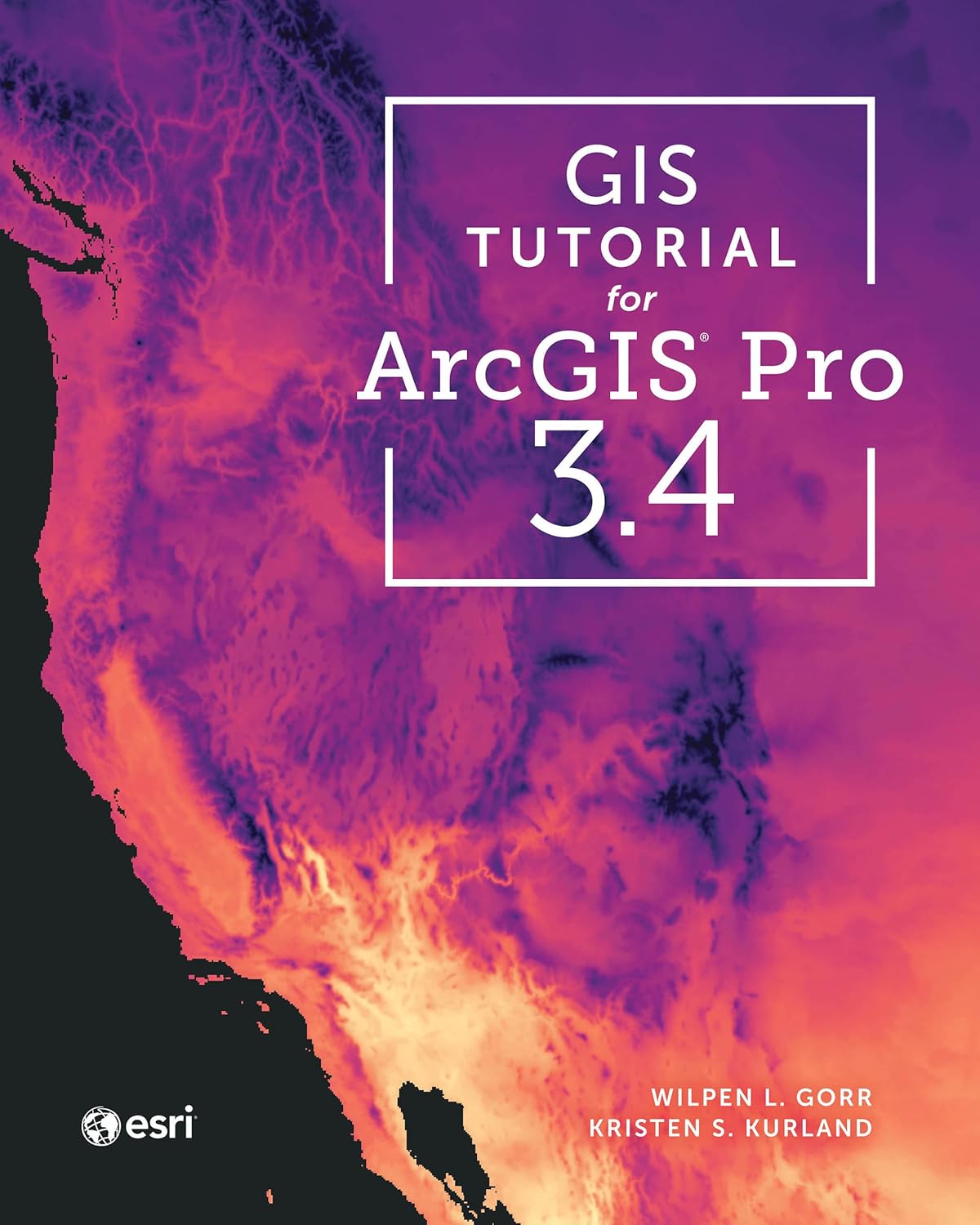
GIS Tutorial for ArcGIS Pro 3.4 (Esri Press)
by Wilpen L. Gorr, Kristen S. Kurland
A classroom-tested ArcGIS Pro workbook by two Carnegie Mellon instructors, with hands-on exercises and homework assignments that build real problem-solving skills. Written for both university courses and self-learners who want a rigorous primer.
Pros:
- Academic rigor — used in real university curricula
- Exercises reinforce each concept
- Instructor resources available for teachers
Cons:
- Denser and more demanding than casual guides
- Best paired with an instructor or study group
Learning Geospatial Analysis with Python (3rd Edition)
by Joel Lawhead
A systematic guide to GIS and remote sensing analysis with Python, covering geodatabases, raster data, PostGIS, QGIS integration and workflow automation. Readers build real analytical skills, from thematic mapping to flood modeling.
Pros:
- Bridges GIS and Python — the highest-demand skill combo
- Practical projects, not just theory
- Covers the open-source stack (GeoPandas-style workflows, PostGIS, QGIS)
Cons:
- Requires basic Python knowledge first
- Some library versions have moved on since publication