An ArcGIS student license free is the smartest first move for any GIS student. ArcGIS Pro is the industry standard, and a commercial license costs thousands of dollars. The good news: if you are enrolled at a US college or university, several official paths give you full ArcGIS access for free. This guide walks through every one of them — your university’s Esri site license, the Esri Student Edition, the free trial, and free online accounts — so you can pick the right path and start learning today.
ArcGIS Student License Free: Every Official Path Explained
Path 1 — Your University’s Esri Site License (The Fastest Option)
Most large US universities hold an Esri education site license, which means enrolled students get ArcGIS Pro free on their personal laptops. At UC Irvine, students claim it through the OIT software catalog with their student ID. Florida International University gives students free ArcGIS Pro through its organizational ArcGIS Online account. The University of Delaware distributes the full Esri bundle through its UDeploy portal, and West Virginia University opened free ArcGIS Pro access to all undergraduate and graduate students.
The pattern is the same everywhere. Sign in with your university credentials, find the software portal, and claim your license. Here is how to check your school:
- Search your university IT site for “ArcGIS” or “Esri”.
- Look for a software catalog, service portal, or GIS center page.
- Sign in with your student email and follow the download steps.
This path is the best one. You get a full license, campus IT support, and it stays valid while you are enrolled.
Path 2 — The Esri Student Edition (EVA Authorization Number)
If your school has no site license, ask your GIS instructor. Many instructors can issue a student authorization number — it starts with the letters EVA followed by nine digits. With that code you activate the Esri Student Edition on Esri’s official student page (button below). The student edition gives you ArcGIS Pro plus ArcGIS Desktop for one full year, with the extensions you need for coursework, such as Spatial Analyst and 3D Analyst.
The license is for learning only — coursework and academic research — not commercial work. When the year ends, you can usually get a new code as long as you are still enrolled.
Path 3 — The Official 21-Day Free Trial
Need ArcGIS right now and have no authorization code? Esri offers a free 21-day trial of ArcGIS Pro. You sign up with a free Esri account and get the full desktop software. Three weeks is short, but it is enough to finish a class project or test whether your laptop runs the software well. Start the trial when you actually have time to use it — not weeks before your coursework begins.
Path 4 — Free ArcGIS Online Account and Esri MOOCs
For lighter work, a free ArcGIS Online public account costs nothing and runs in your browser. You can build web maps, run basic analysis, and share projects with classmates. Pair it with Esri’s free MOOCs — massive open online courses on cartography, spatial analysis, and imagery — where students often get temporary software access during the course. This path is ideal if your laptop cannot run the desktop software.
Which Student Path Fits You?
| Path | Cost | Duration | Best for |
|---|---|---|---|
| University site license | Free | While enrolled | Full-time students at participating schools |
| Esri Student Edition (EVA code) | Free | 1 year | Students whose instructor provides a code |
| 21-day free trial | Free | 21 days | Quick projects and software testing |
| ArcGIS Online free account | Free | Ongoing | Web maps and low-spec laptops |
Check Your System Requirements First
| Requirement | Detail |
|---|---|
| Operating system | Windows 10 or 11, 64-bit only |
| Memory | 16 GB RAM minimum; 32 GB recommended for large projects |
| Graphics | DirectX 11 capable GPU |
| Storage | SSD strongly recommended; at least 10 GB free space |
| Mac users | Windows-only software — use Parallels, a virtual machine, or ArcGIS Online in the browser |
Get Your Free Student License at Esri
Frequently asked questions
Can US students really get ArcGIS Pro for free?
Yes. Through your university’s Esri site license, an instructor-issued student authorization number, the official 21-day trial, or a free ArcGIS Online account.
How long does the free student license last?
The Esri Student Edition lasts one full year. University site licenses stay valid while you are enrolled. The free trial lasts 21 days.
Does the ArcGIS student license work on a Mac?
ArcGIS Pro is Windows-only. Mac users can run it through Parallels or a Windows virtual machine, or use the free ArcGIS Online account in a browser instead.
What is the difference between the student edition and the free trial?
The student edition uses an EVA authorization number from your instructor and lasts a full year. The trial needs no code but expires after 21 days.
Can I use the student license for freelance or commercial work?
No. Student licenses are strictly for learning, coursework, and academic research. Commercial use requires a paid license.
Which US universities offer free ArcGIS to students?
Many do, including UC Irvine, Florida International University, the University of Delaware, West Virginia University, and the University of Connecticut. Search your school’s IT website for “ArcGIS” to check yours.
A free ArcGIS student license is one of the best deals in GIS education. Start with your university’s software portal — it is the fastest and most complete option. If that fails, ask your instructor for a student authorization number. Between the site license, the student edition, the trial, and free online accounts, no student needs to pay for ArcGIS while learning. Pick your path above and start mapping.
Related posts: ESRI ArcGIS Pro v3.4.2 Free Download x64 · ESRI ArcGIS Pro v3.1.5 Free Download · 50 Differences Between ArcGIS Pro and QGIS 3 · ESRI ArcGIS 10.8.2 Free Download
Disclosure: Some links on this page are affiliate links. If you buy a book through them, CartoGeek may earn a small commission at no extra cost to you. This helps keep our GIS guides free for students. Thank you for your support!
Recommended ArcGIS Pro Books
Getting to Know ArcGIS Pro 3.6 (Esri Press)
by Michael Law, Amy Collins
Esri Press’s best-selling step-by-step workbook for learning ArcGIS Pro, with hundreds of full-color images, real-world case studies and progressive exercises. The long-running “Getting to Know” series has taught GIS to students and professionals for over 20 years.
Pros:
- Official Esri Press material — matches the software exactly
- 300+ full-color screenshots make every step visual
- Works as both textbook and desk reference
Cons:
- Tied to specific ArcGIS Pro versions, so buy the newest edition
- Assumes access to ArcGIS Pro (trial or license)
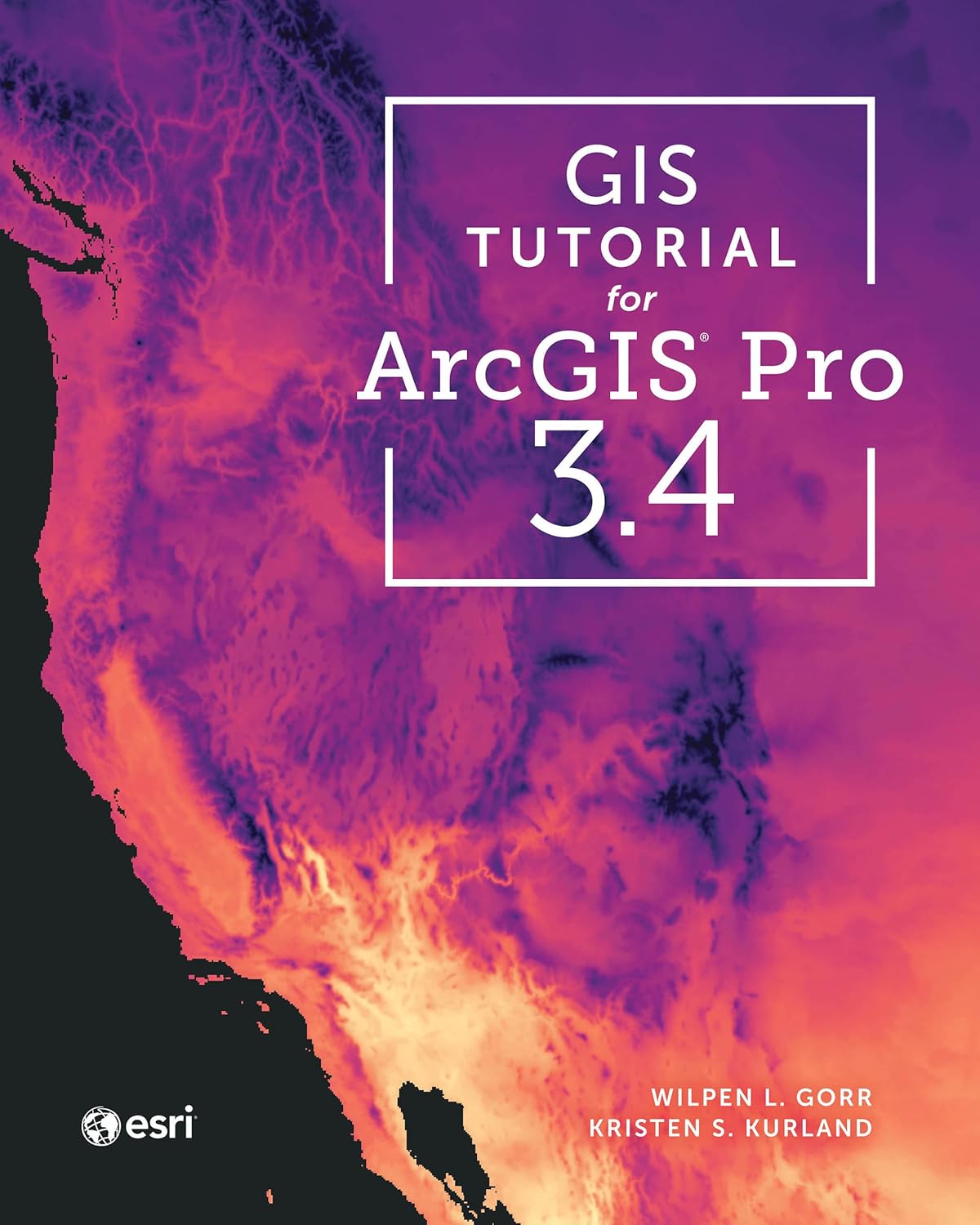
GIS Tutorial for ArcGIS Pro 3.4 (Esri Press)
by Wilpen L. Gorr, Kristen S. Kurland
A classroom-tested ArcGIS Pro workbook by two Carnegie Mellon instructors, with hands-on exercises and homework assignments that build real problem-solving skills. Written for both university courses and self-learners who want a rigorous primer.
Pros:
- Academic rigor — used in real university curricula
- Exercises reinforce each concept
- Instructor resources available for teachers
Cons:
- Denser and more demanding than casual guides
- Best paired with an instructor or study group

Python Scripting for ArcGIS Pro, 3rd Edition (Esri Press)
by Paul A. Zandbergen
Esri Press’s focused guide to automating ArcGIS Pro with Python and arcpy — from first scripts to geoprocessing tools. Short and practical, it targets GIS users who want to stop repeating manual workflows.
Pros:
- Official Esri Press — arcpy examples match the software
- Short, focused, no filler
- Immediately applicable automation skills
Cons:
- Requires basic Python before starting
- Narrow focus — ArcGIS Pro only