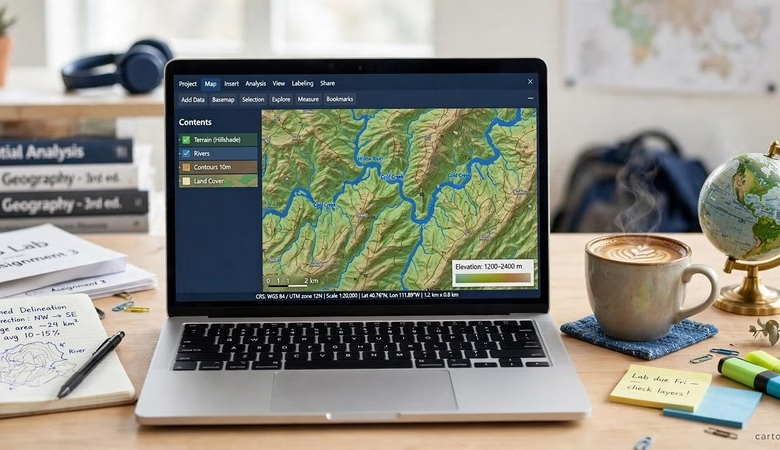
ArcGIS Pro on Mac is the question every Mac-owning GIS student asks in week one of class. ArcGIS Pro has no macOS version. It runs on Windows only. The good news is that your Mac can still run it. This guide shows the three working routes — Parallels on Apple Silicon, Boot Camp on Intel Macs, and the free options that need no Windows at all — plus the limits Esri itself documents, so you can pick the right setup before you install anything.
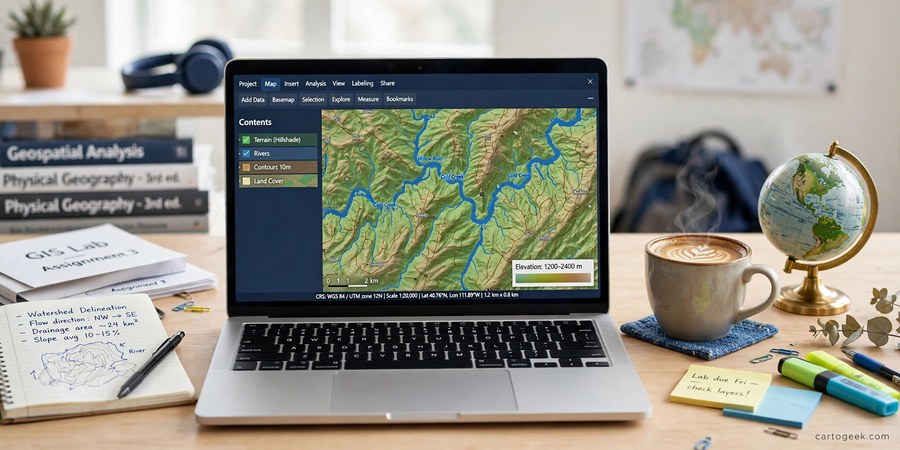
ArcGIS Pro on Mac: The 3 Working Routes
There is no native Mac build of ArcGIS Pro, and Esri has never released one. Every route below runs the Windows version of the software on your Mac in some form. Which route works for you depends on one thing: whether your Mac has an Apple Silicon chip (M1, M2, M3, or M4) or an older Intel processor.
Route 1 — Parallels Desktop on Apple Silicon (M1, M2, M3, M4)
This is the only way to run ArcGIS Pro on an Apple Silicon Mac. You install Parallels Desktop, create a Windows 11 ARM virtual machine inside it, and run ArcGIS Pro in that Windows guest. Esri documents this exact setup: Parallels Desktop version 18 or later, Windows 11 ARM as the guest system, and the Microsoft .NET Desktop Runtime 8.0.0 or later (Windows x64 installer). Esri recommends macOS Ventura or later as the host system.
Setup takes about an hour. Install Parallels Desktop, let it set up Windows 11 ARM, install the .NET Desktop Runtime, then install ArcGIS Pro inside Windows and sign in with your free ArcGIS student license. Parallels offers a free trial, so you can test ArcGIS Pro on your Mac before paying for the software. Windows 11 ARM installs through Parallels; check whether your university provides a Windows license through its Microsoft student program, since many US campuses do.
Know the limits before you commit. Tools that need the AVX instruction set will not work on Windows 11 ARM. Your Mac’s GPU is shared with Windows through virtualization, so graphics run on DirectX 11 only — DirectX 12 features fall back, and OpenGL may fail and fall back to CPU rendering. Esri also notes that its support team troubleshoots defects only against certified Windows x64 systems. For everyday 2D mapping, digitizing, and class assignments, the setup works well. Parallels Desktop 27 added OpenGL 4.3 support through Apple’s Metal framework, and Parallels reports up to 2.6x faster OpenGL graphics on M3 chips and up to 35% faster ArcGIS Pro 3D rendering in its own benchmarks.
Route 2 — Boot Camp on Intel Macs (Native Windows)
If your Mac has an Intel processor, Boot Camp is the fastest route. Boot Camp Assistant installs Windows in a dedicated partition on your hard disk, and Windows runs natively with full access to your Mac’s hardware. ArcGIS Pro runs at full speed here, with no virtualization layer in the way. You hold the Option key at startup to choose Windows or macOS.
The trade-off is convenience. You cannot use macOS and Windows at the same time, so every switch means a restart. Boot Camp also exists only on Intel Macs — Apple Silicon Macs cannot boot Windows at all. And this route has a limited future: Apple’s macOS Tahoe is the last release to support Intel Macs. If you own a recent Intel MacBook Pro, Boot Camp is still the best-performing option today. If you are buying a Mac for GIS now, buy Apple Silicon and use Route 1.
Intel Mac owners who want both systems at once can use Parallels Desktop 15 or later with a Windows x64 guest instead. It is slower than Boot Camp but lets you run ArcGIS Pro in a window beside your Mac apps. Esri recommends at least two virtual CPUs, the Auto graphics switching option disabled, and GPU memory set to Auto for this setup.
Route 3 — No Windows Needed: ArcGIS Online and QGIS
Some coursework never needs the desktop software at all. A free ArcGIS Online public account runs entirely in your browser. You can build web maps, run basic analysis, and share projects with classmates from any Mac, with nothing to install. Pair it with Esri’s free MOOCs, which often include temporary software access during the course.
For desktop work without Windows, QGIS runs natively on Mac and is completely free. It handles mapping, editing, and spatial analysis, and many university GIS labs teach QGIS alongside ArcGIS Pro. If your assignment uses standard tools — buffers, overlays, joins, map layouts — QGIS on your Mac will finish it. Check your course syllabus first: if the class requires ArcGIS Pro-specific tools or ArcPy scripts, use Route 1 or 2 instead.
One more option costs nothing and is easy to miss: your university’s virtual lab. Many US universities run virtual Windows desktops that students reach from a browser. UC Davis, Purdue, and other large schools publish GIS lab pages for exactly this. Ask your campus IT desk whether a virtual Windows lab is available before you spend money on Parallels.
Which Mac Can Run ArcGIS Pro?
| Your Mac | Working route | What you need |
|---|---|---|
| Apple Silicon M1, M2, M3, M4 | Parallels Desktop 18 or later | Windows 11 ARM guest, .NET Desktop Runtime 8.0+, macOS Ventura or later |
| Intel Mac (2018 or newer) | Boot Camp (fastest) or Parallels 15+ | Windows x64 install; Boot Camp needs a restart to switch systems |
| Any Mac, any chip | ArcGIS Online or QGIS in the browser | Free account; no Windows install needed |
System Requirements for ArcGIS Pro on a Mac
Esri lists the minimum hardware for running ArcGIS Pro on a Mac as a quad-core Intel or M-series processor, 256 GB of storage, and 8 GB of RAM or more. Treat those numbers as the floor, not the target. For real class projects, 16 GB of RAM is the practical minimum, and an SSD is essential — ArcGIS Pro on a spinning hard disk is painfully slow. Check the full ArcGIS Pro system requirements before you install, and confirm your MacBook has enough free space: Windows plus ArcGIS Pro needs at least 10 GB free, and your project data needs room on top of that.
| Requirement | Minimum (Esri) | Recommended for students |
|---|---|---|
| Processor | Quad-core Intel or Apple Silicon M-series | M2 or newer, or quad-core i5/i7 |
| Memory | 8 GB RAM | 16 GB RAM for class projects |
| Storage | 256 GB | 512 GB SSD with 10 GB+ free |
| Operating system | macOS Ventura or later (Apple Silicon) | Latest macOS your Mac supports |
| Virtualization | Parallels Desktop 18+ (Apple Silicon), 15+ (Intel) | Latest Parallels version |
How Much Does It Cost?
ArcGIS Pro itself costs students nothing through the official paths: a university Esri site license, an instructor-issued student authorization number, or the 21-day free trial. Read the full ArcGIS student license guide to claim yours. Parallels Desktop is paid software with a free trial, and students should check for education pricing on the Parallels site. Windows 11 ARM is installed through Parallels, and your university may already cover the Windows license. Add it up, and a Mac-owning student can run ArcGIS Pro for free for the trial period, and for the cost of Parallels alone after that — or for nothing at all through the browser with ArcGIS Online.
Get Your Free ArcGIS Pro Student License
Frequently asked questions
Can you run ArcGIS Pro natively on a Mac?
No. There is no macOS version of ArcGIS Pro. It is Windows-only software, so Mac users run it inside Windows through Parallels Desktop or Boot Camp, or use ArcGIS Online in a browser instead.
Does ArcGIS Pro work on M1, M2, M3, or M4 Macs?
Yes, through Parallels Desktop 18 or later with a Windows 11 ARM virtual machine and the .NET Desktop Runtime 8.0 or later. Tools that need the AVX instruction set will not work, and graphics run on DirectX 11 only.
Is ArcGIS Pro free for students on a Mac?
Yes. The same free paths apply on a Mac as on Windows: a university Esri site license, an instructor-issued student authorization number, or the 21-day free trial. The Mac only changes how you run Windows, not how you get the license.
Is Boot Camp better than Parallels for ArcGIS Pro?
Boot Camp is faster because Windows runs natively on the hardware. But it works only on Intel Macs, needs a restart to switch systems, and Apple’s macOS Tahoe is the last release for Intel Macs. Parallels runs alongside macOS and is the only option on Apple Silicon.
Can I use ArcGIS Pro on a Mac without Parallels?
Yes. A free ArcGIS Online account works in any browser for web maps and basic analysis. QGIS runs natively on Mac and is free. Many universities also offer virtual Windows labs students can use from a browser.
How much RAM does ArcGIS Pro need on a Mac?
Esri lists 8 GB as the minimum. For class projects, 16 GB is the practical minimum, and 32 GB is better for large datasets and 3D work. Check the system requirements guide before you install.
ArcGIS Pro on Mac is a solved problem once you know which chip your Mac has. Apple Silicon owners should install Parallels Desktop 18 or later with Windows 11 ARM and accept the AVX and DirectX limits. Intel Mac owners should use Boot Camp for the best speed while it lasts. And any student who only needs web maps or standard analysis can skip Windows entirely with ArcGIS Online or QGIS. Check your Mac’s chip in About This Mac, claim your free student license, and start mapping today.
Related posts: ArcGIS Student License Free · Free GIS Software for Mac
Disclosure: Some links on this page are affiliate links. If you buy a book through them, CartoGeek may earn a small commission at no extra cost to you. This helps keep our GIS guides free for students. Thank you for your support!
Recommended ArcGIS Pro Books
Getting to Know ArcGIS Pro 3.6 (Esri Press)
by Michael Law, Amy Collins
Esri Press’s best-selling step-by-step workbook for learning ArcGIS Pro, with hundreds of full-color images, real-world case studies and progressive exercises. The long-running “Getting to Know” series has taught GIS to students and professionals for over 20 years.
Pros:
- Official Esri Press material — matches the software exactly
- 300+ full-color screenshots make every step visual
- Works as both textbook and desk reference
Cons:
- Tied to specific ArcGIS Pro versions, so buy the newest edition
- Assumes access to ArcGIS Pro (trial or license)
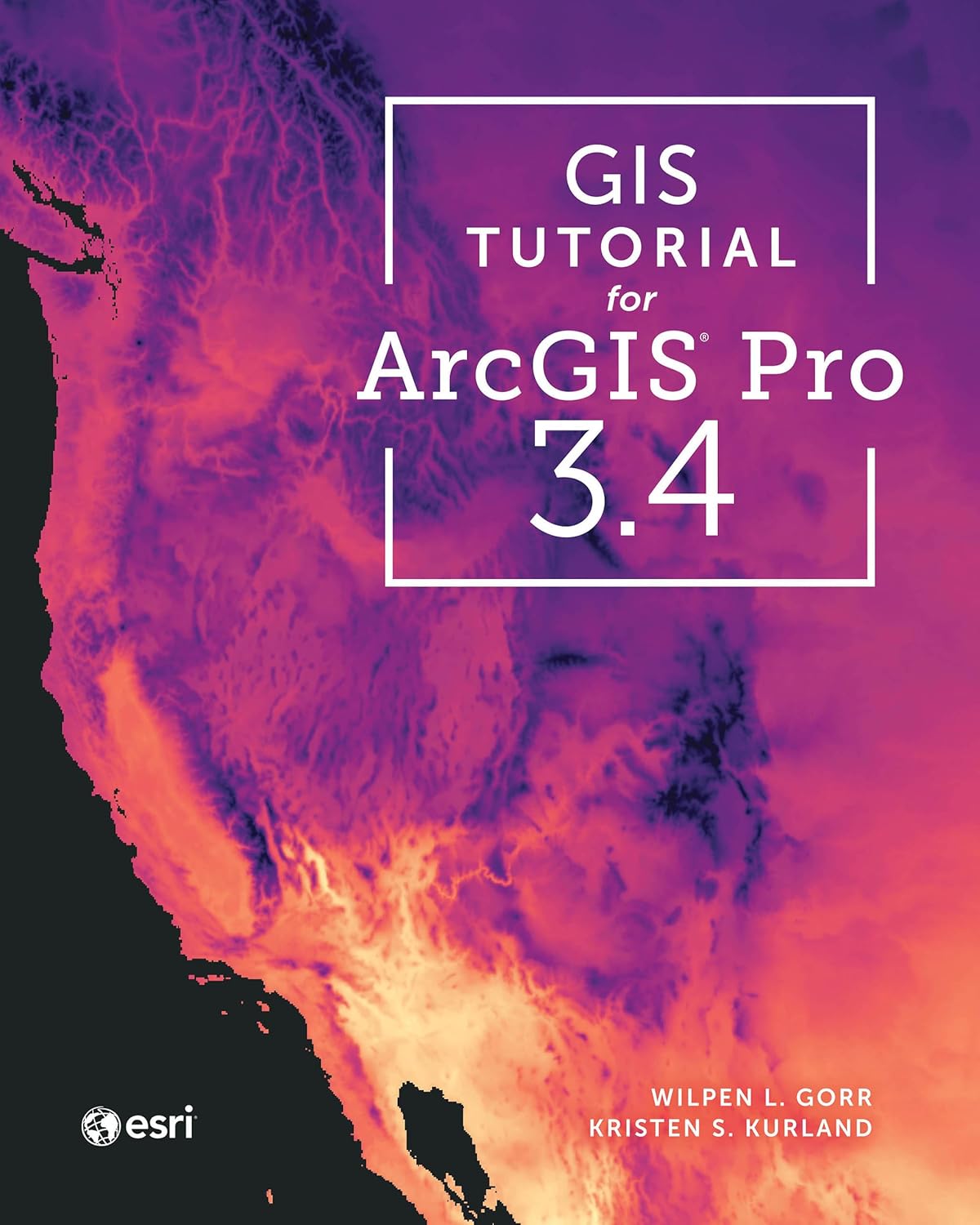
GIS Tutorial for ArcGIS Pro 3.4 (Esri Press)
by Wilpen L. Gorr, Kristen S. Kurland
A classroom-tested ArcGIS Pro workbook by two Carnegie Mellon instructors, with hands-on exercises and homework assignments that build real problem-solving skills. Written for both university courses and self-learners who want a rigorous primer.
Pros:
- Academic rigor — used in real university curricula
- Exercises reinforce each concept
- Instructor resources available for teachers
Cons:
- Denser and more demanding than casual guides
- Best paired with an instructor or study group

Python Scripting for ArcGIS Pro, 3rd Edition (Esri Press)
by Paul A. Zandbergen
Esri Press’s focused guide to automating ArcGIS Pro with Python and arcpy — from first scripts to geoprocessing tools. Short and practical, it targets GIS users who want to stop repeating manual workflows.
Pros:
- Official Esri Press — arcpy examples match the software
- Short, focused, no filler
- Immediately applicable automation skills
Cons:
- Requires basic Python before starting
- Narrow focus — ArcGIS Pro only